5 Graphic Design Trends You Need to Know in 2026
Introduction
The world of graphic design is always evolving, and staying on top of trends is crucial for any designer or brand that wants to stay relevant. In 2026 we are seeing exciting shifts in aesthetics, technology and user experience that shape the way we create and consume visual content. In this post we look at five trends worth knowing, and at how to use each one without letting it take over your work.
1. Bold, Experimental Typography
Typography has taken center stage. Designers are pushing the boundaries with expressive typefaces, mixing classic serifs with modern grotesks, and setting headlines at sizes that would have felt reckless a few years ago. Variable fonts make this practical: one file can move smoothly from a light, airy weight to a heavy display cut, so a single family carries a whole layout.
The trick is contrast. Let one oversized headline do the talking, and keep the supporting text calm, readable and generously spaced.
Use bold typography to draw attention to the one message or call to action that matters most on the page, and keep everything around it quiet.
2. AI-Powered Design Tools
Artificial intelligence keeps changing the design process. AI features now live inside the tools designers already use: they remove backgrounds, extend images, suggest layout variations, rename layers and turn rough sketches into first drafts. Used well, they take over the repetitive part of the job and leave more time for decisions that need taste and judgment.
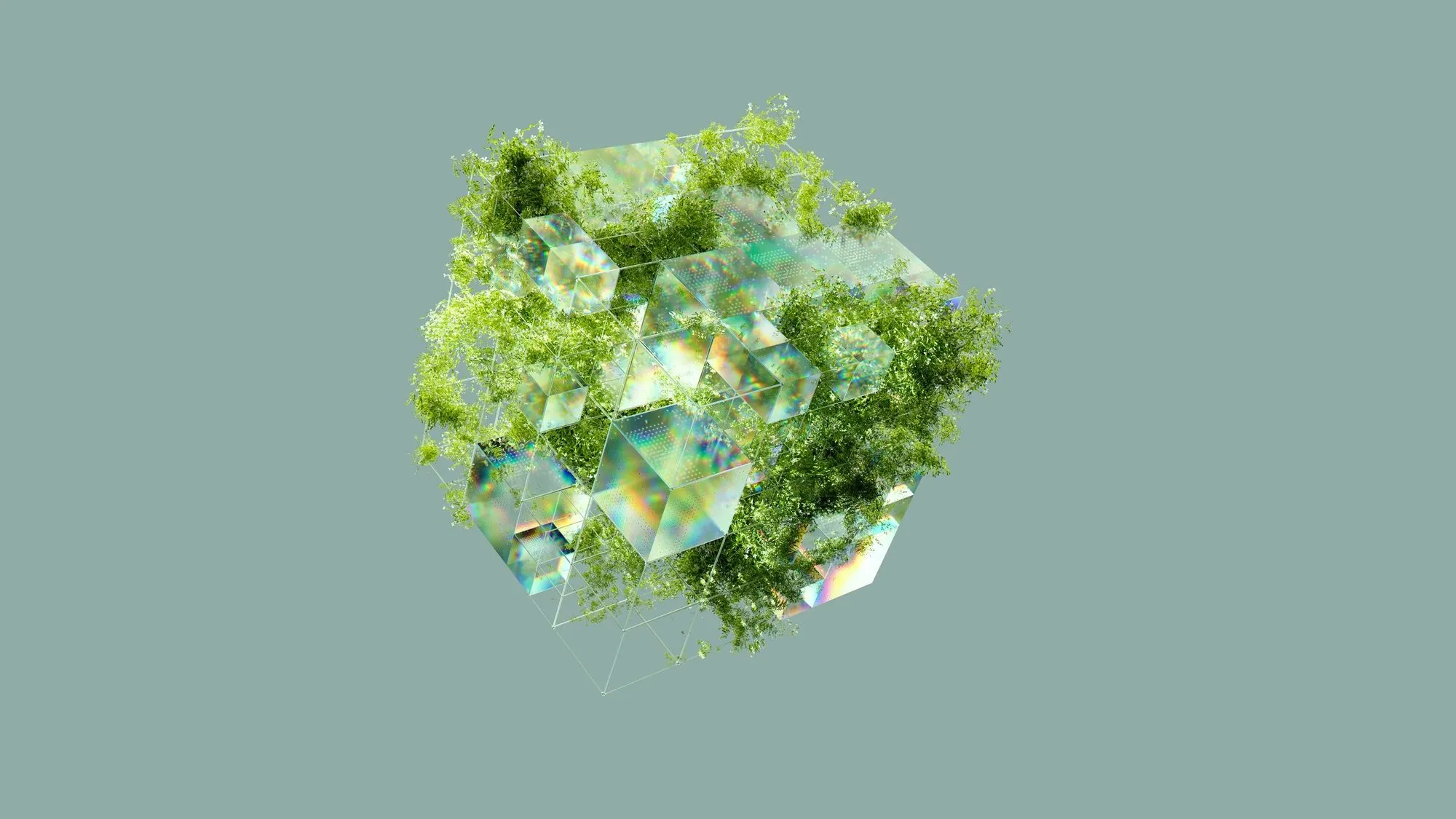
The best results still come from a clear brief and a designer who knows what good looks like. Treat AI output as raw material: check the details, fix the spacing, and make sure every asset you ship is one you have the rights to use.
3. Minimalist, Clean Aesthetics
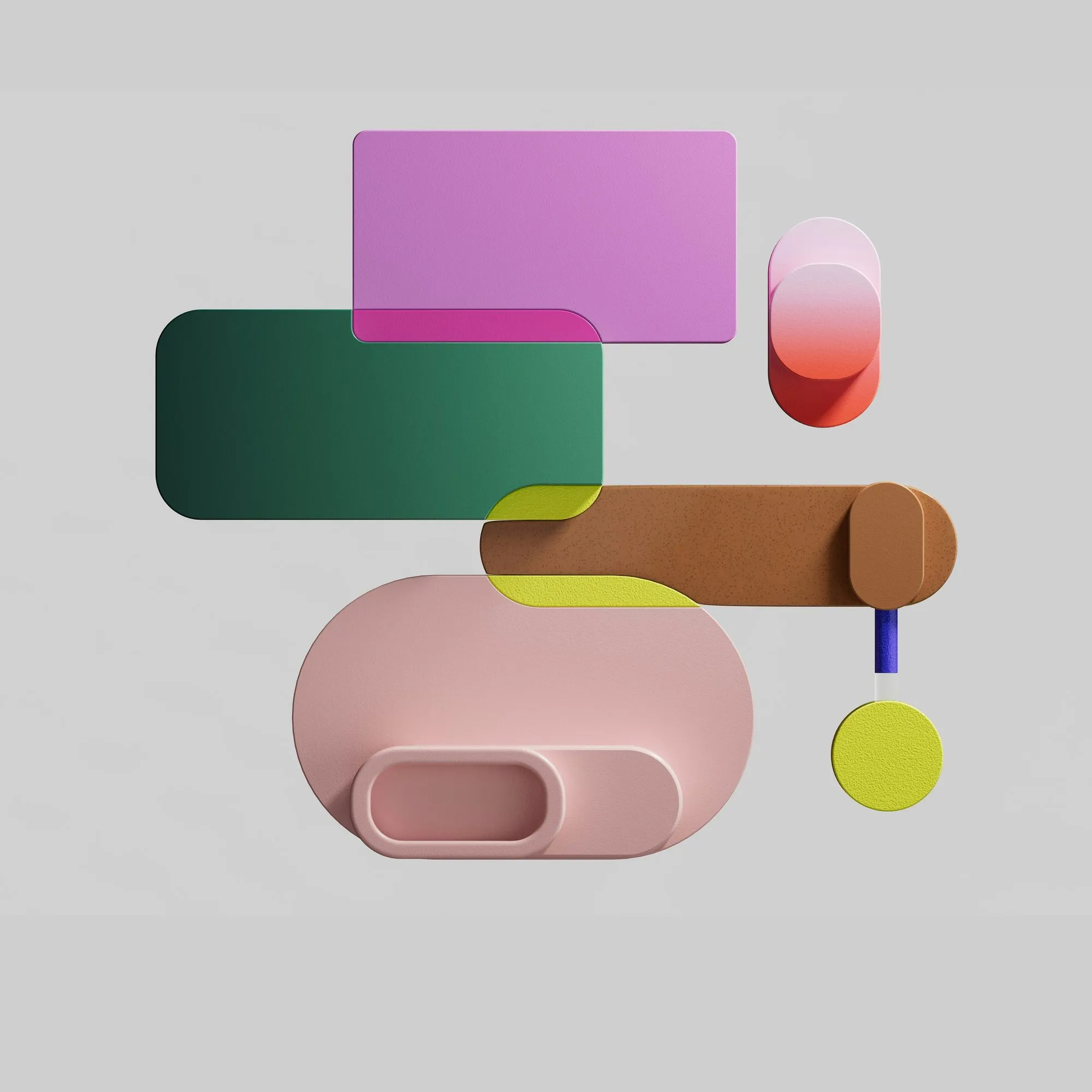
Less is still more. Clean layouts with plenty of white space, restrained color palettes and stripped-back interfaces dominate digital products. This is not minimalism for its own sake: fewer elements mean faster pages, clearer hierarchy and interfaces that are easier to use for everyone.
A minimal layout lives or dies by its details. A consistent spacing scale, a strict type ramp and two or three well-chosen colors do more than any decoration.
4. Motion and Animation in UI
Interactive and animated elements take interfaces to the next level. Subtle transitions guide attention, confirm actions and make navigation feel continuous. Browser features such as view transitions and scroll-driven animations now make many of these effects possible with a few lines of CSS instead of heavy libraries.
Keep motion purposeful and short, and always respect visitors who ask their system for reduced motion. Animation should explain what changed, never make people wait.
5. Tactile 3D and Texture
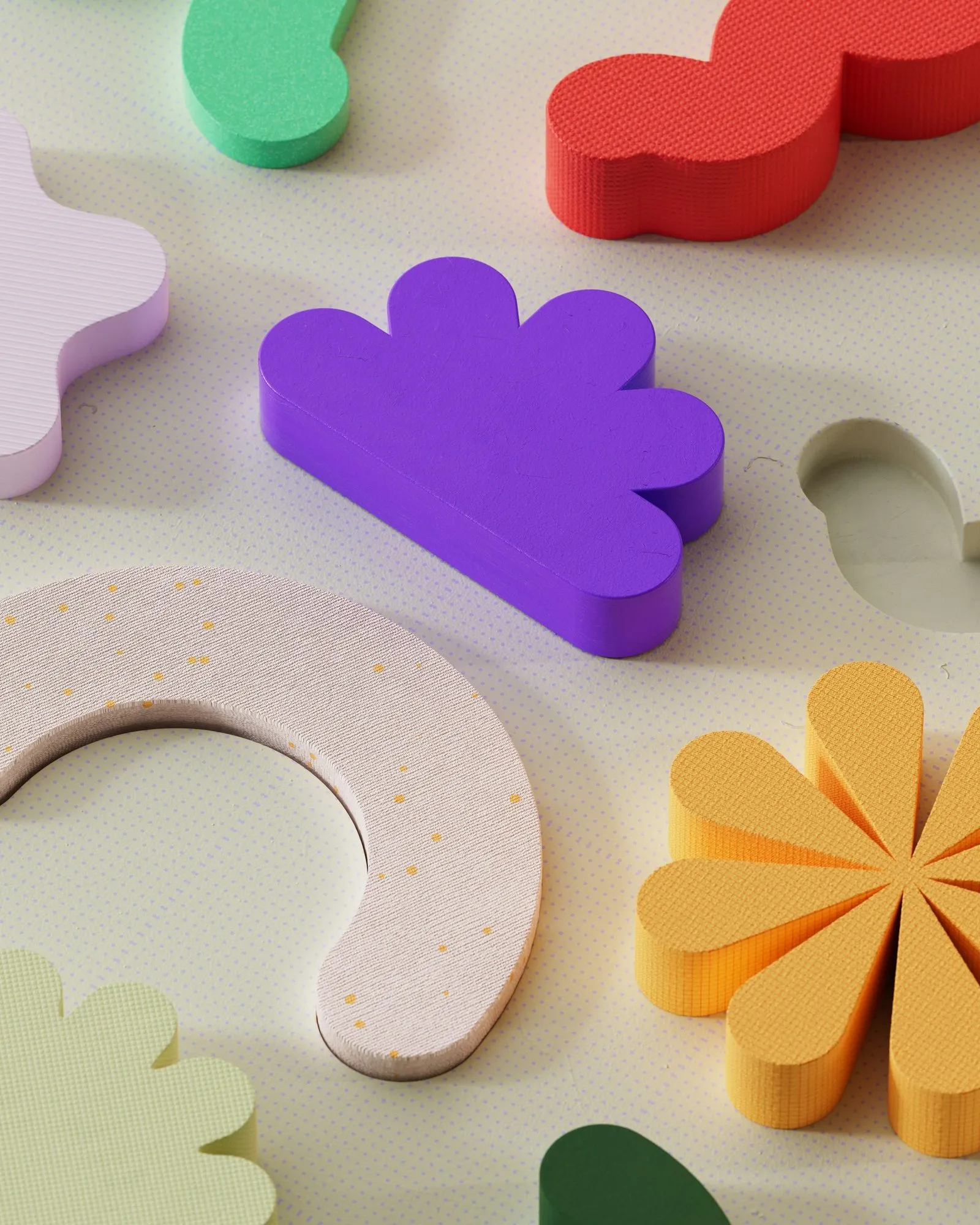
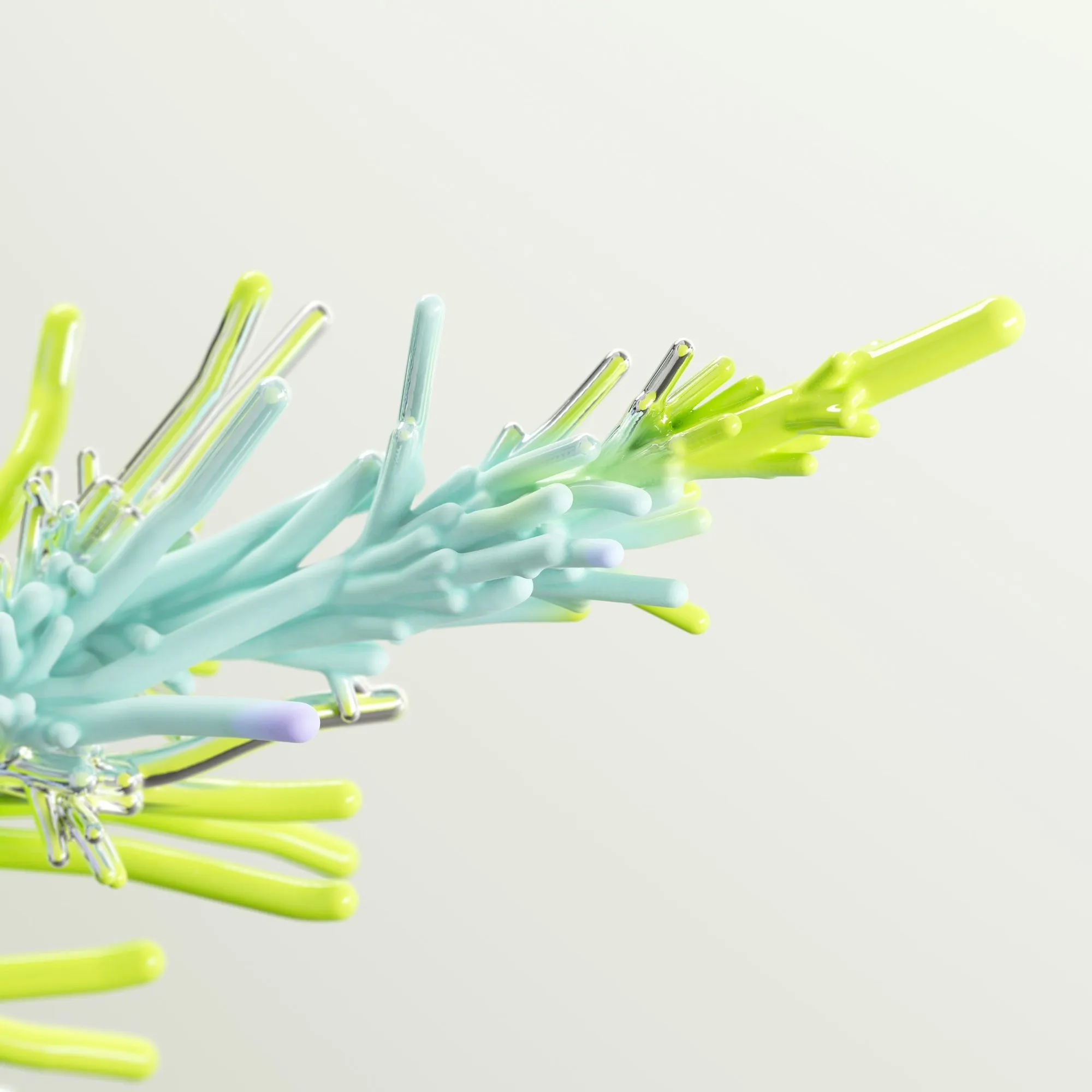
Flat design has softened into something more physical. Soft clay shapes, glassy surfaces, grain and paper textures add warmth to screens that can otherwise feel sterile. Pre-rendered 3D illustrations are especially popular for hero sections and product launches, because they bring depth without the cost of a real-time 3D scene.
Use texture as seasoning. One tactile hero image or a subtle grain over a gradient is enough to give a page character.
Wrapping up
Trends are tools, not rules. Pick the ones that support your message and your audience, combine them with solid fundamentals – hierarchy, contrast, spacing and accessibility – and your work will feel current long after this year’s trend lists are forgotten.