Using 3D Graphics in Web Design Without Slowing the Page

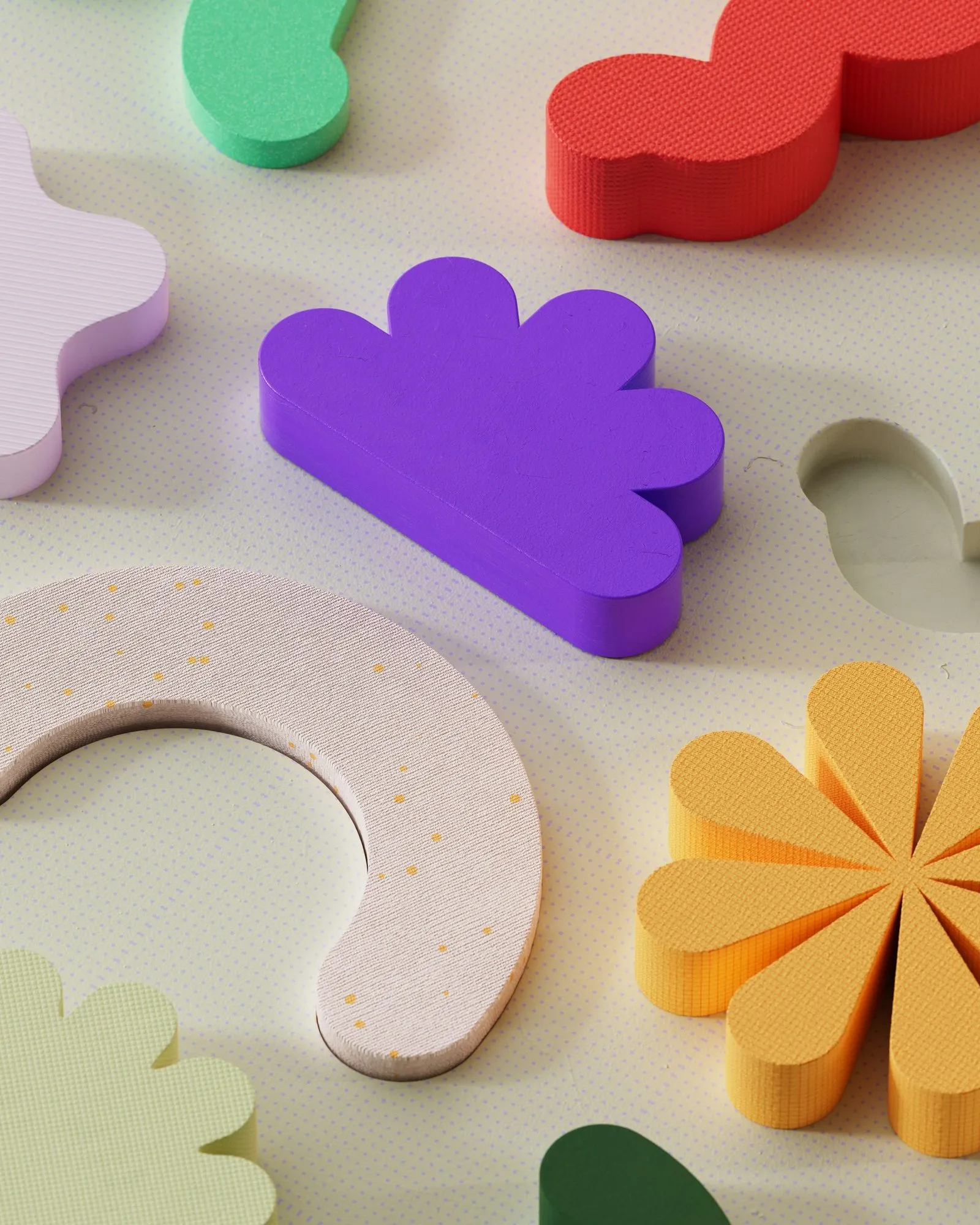
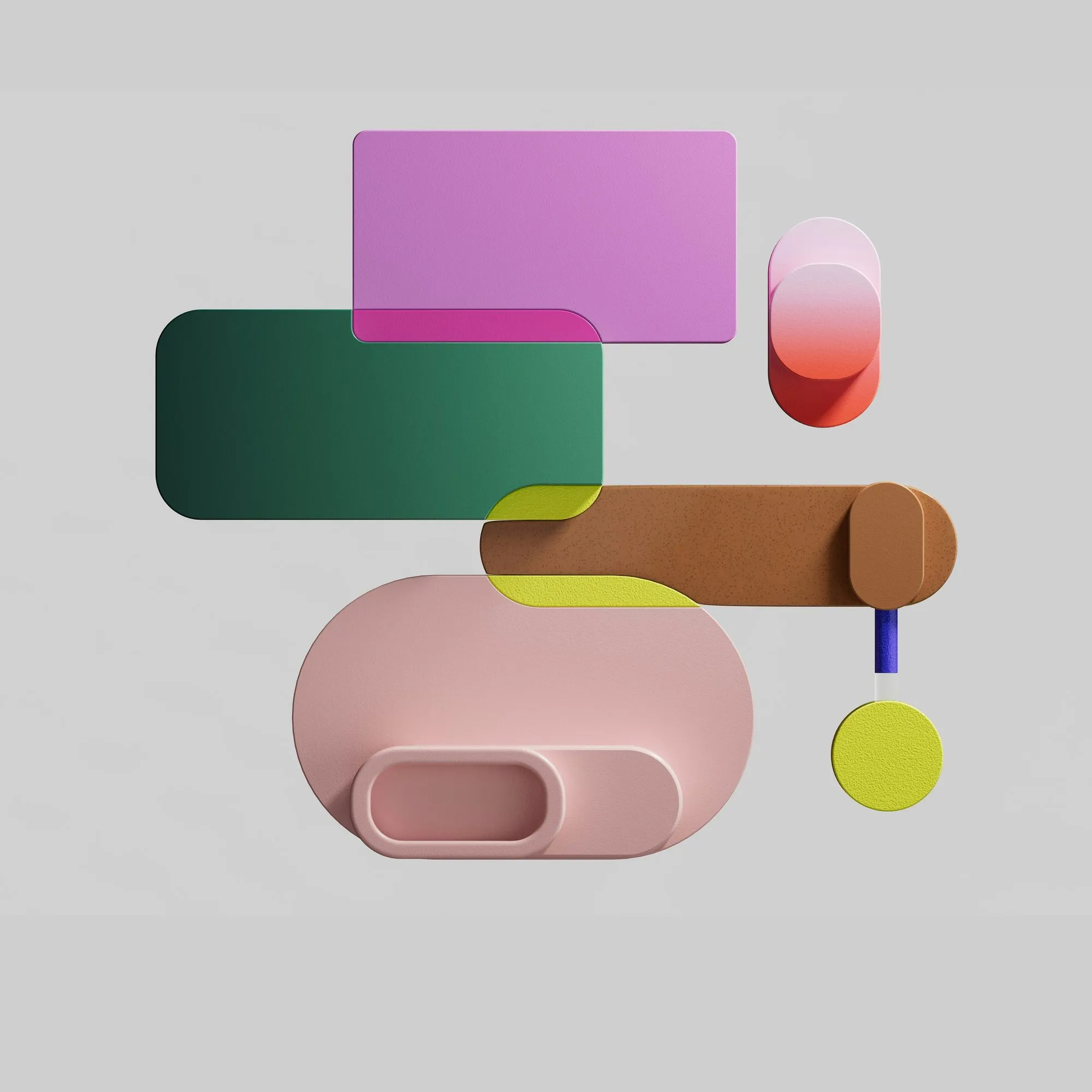
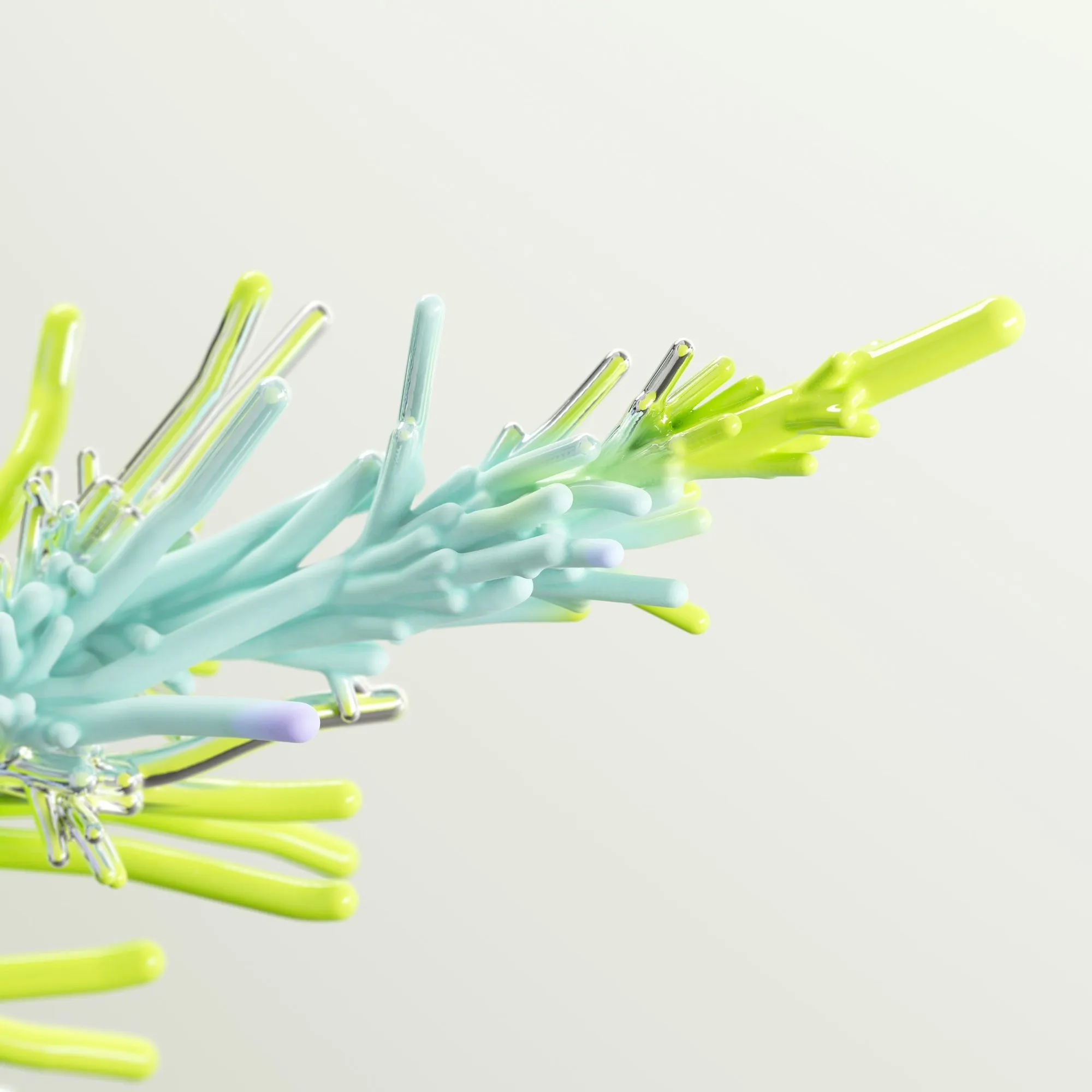
3D graphics have become one of the most recognizable looks on the web: glossy shapes in hero sections, floating product renders and playful clay illustrations. Done well, they make a page memorable. Done carelessly, they make it slow. Here is how to get the first without the second.
Decide: image or real-time scene?
Most 3D on websites does not need to be interactive. A pre-rendered image looks just as good, works everywhere and weighs a fraction of a real-time scene. Choose real-time 3D – with a library such as three.js – only when people really need to rotate, configure or explore the object.
Pre-rendered: treat 3D like photography
A render is just an image, so the usual image rules apply:
- export at the largest size you display, and let the build create smaller versions
- use modern formats such as WebP or AVIF; keep a transparent PNG only when you need it
- set width and height, or an aspect ratio, so the layout does not jump
- load the hero render eagerly and everything below the fold lazily
A soft shadow baked into the render looks more natural than a CSS drop shadow added later.
Real-time: budget everything
If you go interactive, set a budget before you start: a target file size for models and textures, and a frame rate on an average phone. Compress models with Draco or Meshopt, reduce polygon counts, and combine textures. Load the scene only when it scrolls into view, and show a still poster image until it is ready.
Always design the still image first. It is your fallback for slow connections, older devices and visitors who prefer reduced motion – and very often it turns out to be all you need.
Respect motion preferences
Floating, spinning and parallax effects can make some people feel unwell. Wrap animations in a prefers-reduced-motion check and offer a static version. For interactive scenes, start them paused and let people choose to interact.
Keep it accessible
A 3D illustration that only decorates the page should have empty alt text. A product render that carries information needs a real description. Interactive viewers need keyboard controls and a text alternative for anything people can only learn by rotating the model.
Keep the style consistent
Mixing render styles – glossy here, clay there, low-poly somewhere else – makes a site feel like a collage. Pick one material language, one lighting setup and one color palette, and reuse them across every page. A coherent 3D pack gives you this consistency out of the box.
The takeaway
Use 3D where it adds meaning or delight, prefer pre-rendered images, measure the cost of anything interactive, and always ship a calm, fast fallback. Your visitors will remember the depth, not the loading spinner.